OttoKit Team
July 15, 2025

OttoKit MCP Server – Bridge between AI Tools and External Apps

What is MCP?

MCP is a standard protocol. It equips your AI with a list of apps and actions that you choose, such as sending a direct message in Slack or drafting an email in Gmail, and allows it to call those tools whenever needed.

Key features of OttoKit MCP include:

  • Nearly 1,000 app connections: Connect your AI to thousands of apps in our library without needing to build or maintain the integrations yourself.
  • Code-free setup: No technical knowledge required. Easily connect OttoKit MCP to Claude, Cursor, and OpenAI Playground within minutes. No coding needed. You can then perform actions using simple, natural language.
  • AI suggestions: Skip manually entering all field details. OttoKit’s AI can suggest values for fields to help speed up the action setup process.
  • On/off toggles: Temporarily disable an action in your MCP page without deleting it. This allows you to keep all the pre-configured settings and enable it again later.
  • Built-in security: OttoKit MCP endpoints include secure authentication, encryption, and rate limiting to ensure protection against abuse.

Real-World Use Cases:

Here are a few examples of what your AI can do with OttoKit MCP:

  • Find, add, or update specific rows inside your Google Sheets.
  • Manage a BuddyBoss community by instructing AI to write and send messages reminding members about upcoming events.
  • Create a calendar event and have your AI send an email invitation with the meeting details.

Learn More & Get Started: 👉 OttoKit MCP Server: Let Your AI Take Action for You
OttoKit Team
June 4, 2025

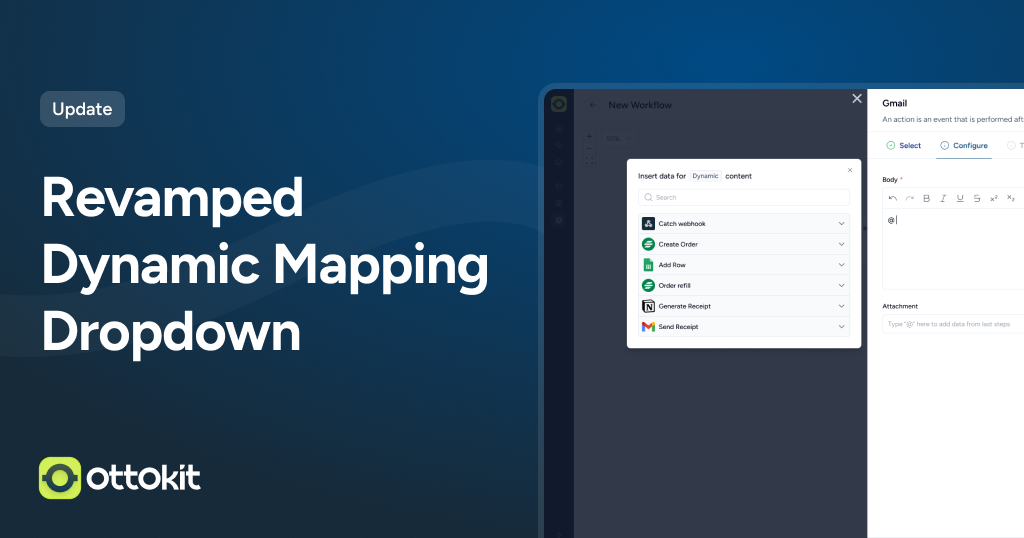
🎯 New in OttoKit: Revamped Dynamic Mapping Dropdown

No more squinting at tiny dropdowns or losing your place.

We’ve completely revamped the Dynamic Mapping dropdown – transforming a cramped, hard-to-use popup into a spacious, searchable interface that makes field selection effortless.

The new dropdown appears on the left side of your workflow builder with full visibility and smart search, so you can find and map values in seconds, not minutes.

Here’s what’s transformed:

Full-Height Display

Your dynamic mapping dropdown now uses the entire available height of your screen, showing more fields at once without cramped scrolling through tiny spaces.

Instant Search

Looking for a specific field among dozens of options? Just start typing and the dropdown instantly filters to show only matching values. Find what you need in seconds.

Smart Positioning

The dropdown appears perfectly aligned with the field you’re configuring – right where you expect it, at the same level, so you never lose context.

Stable Interface

While you’re selecting values, we lock the scroll to prevent accidental page movements that could disrupt your selection process.

Works Everywhere

The new dropdown is fully responsive and works seamlessly across all screen sizes and devices.

The difference is night and day:

Old dropdown: Small, cramped pop-up that often got cut off or hidden, making you scroll endlessly to find the right field.
New dropdown: Spacious, searchable interface positioned exactly where you need it, with all your options clearly visible.

Perfect for:

  • Complex integrations with many available fields
  • Workflows with nested data structures that have multiple levels
  • Power users who build intricate automations daily
  • Anyone who wants a faster workflow configuration without the frustration

The result? Workflow building that’s 3x faster, with zero guesswork about which fields are available or where they went.

Try the revamped Dynamic Mapping dropdown – it’s live in all your workflow configurations now →

OttoKit Team
May 25, 2025

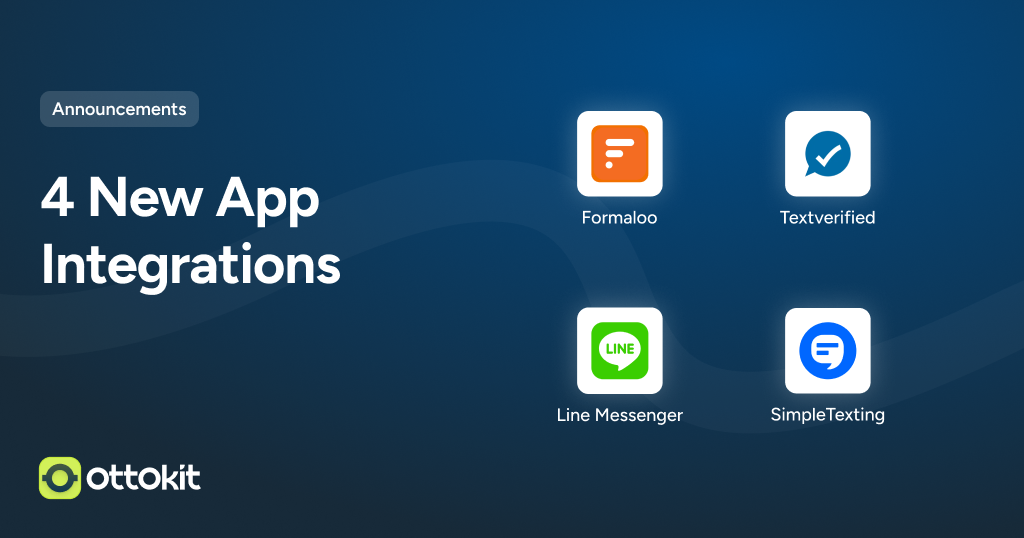
New Apps and Integration Updates – Formaloo, Line Messenger, Pipedrive & More!

We’ve rolled out 4 new apps and introduced powerful updates across several integrations. These improvements give you more flexibility, more automation power, and more control over your workflows.

Brand New Apps

  • Formaloo
    Create no-code forms, quizzes, and internal tools. Now automate submissions and responses within OttoKit.
  • SimpleTexting
    Send SMS campaigns, alerts, and reminders as part of your workflows—fully automated.
  • Textverified
    Verify phone numbers using real devices for secure and reliable SMS/voice-based authentication.
  • Line Messenger
    Connect and communicate with users on one of Asia’s most popular messaging platforms. Automate replies, alerts, and engagement.

Integration Upgrades

Pipedrive CRM – Now more powerful than ever

  • New Triggers: Deals, Notes, Leads, People, Pipelines, Activities & more
  • New Actions: Update Product, Delete Deal, List Files, Create Lead Label, and more

FluentSupport

  • Add Tag to Ticket
  • Reply to Ticket as Agent
  • Get All Tickets

SureCart

  • Upsell Offer Accepted (New Trigger)
  • Upsell Offer Declined (New Trigger)

Zoho CRM

  • Update Account
  • List Accounts

Paid Memberships Pro

  • List Members

Google Contacts

  • Update Contact Label

HeartBeat

  • Find User by ID

Monday.com

  • Improved: More flexible “Create Item” action

Freshdesk

  • Expanded with 20+ actions including Create Note, Create Forum Topic, Delete Ticket, and more for advanced support automation.

Relevance AI

  • Message Agent
  • List Conversion

Try It Out Now

Log in to OttoKit and start exploring these new tools to supercharge your automations!

OttoKit Team
May 12, 2025

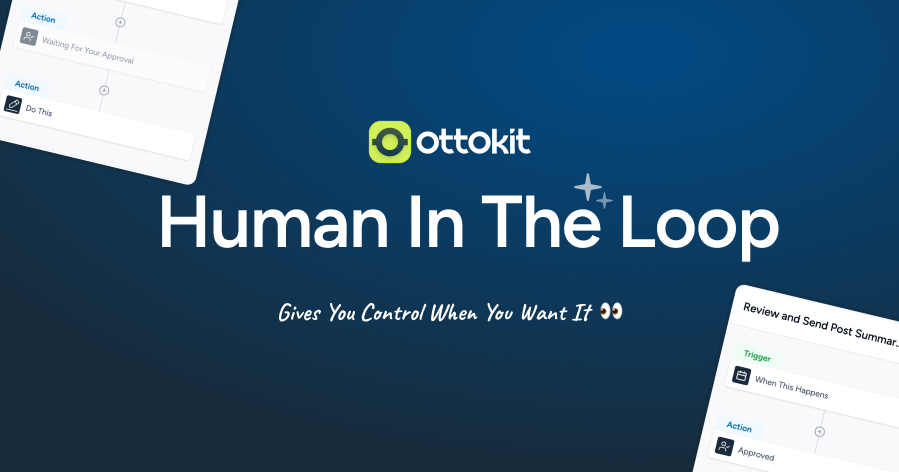
🚦 New in OttoKit: Human in the Loop

Human in the loop image

Not every decision should be left to AI.

Introducing Human in the Loop – a powerful new core app in OttoKit that lets you (or your team) step in when human judgment matters most.

Now, you can insert a checkpoint in your automations and send a quick approval request via email or WhatsApp.

Review the AI’s output, edit it if needed, and simply ✅ Approve or ❌ Reject — all without leaving your inbox.

Here’s how it works:

  1. Add the “Human in the Loop” action to your workflow.
  2. Define the approver, what they’re approving, and how long they have to take action.
  3. We’ll send them an email or WhatsApp message with options.
  4. They approve, reject, or ask for further input.
  5. If they approve, the workflow continues. If they don’t respond in time, you decide what happens next (pause, escalate, etc.).

You can also trigger a separate workflow based on the approval decision or track all decisions right from your workflow history.

Setup takes just a few clicks — no code required.

Perfect for:

  • Reviewing AI-generated content before it goes live
  • Approving internal requests (quotes, resumes, invoices)
  • Adding a human checkpoint in high-stakes automation

🧠 Give your workflows a human touch. Start using Human in the Loop now →

OttoKit Team
May 1, 2025

Introducing AI Agents: Your New Teammates

Meet AI Agents – the next generation of automation, built to think, decide, and act on your behalf.

They’re always available, always connected, and always moving your business forward.

How AI Agents Work

  • Smarter automation, fewer rules: Just tell your Agent what you want using natural language and it will figure out the best way to execute. No code, no rigid setup.
  • Dynamic data mapping: Whether you want to send an email, update a spreadsheet, or post on social media, your AI Agent chooses the right steps based on context.
  • Built-in loops and logic: Need to update multiple records or process a list? Agents can loop through items and do the work for you instantly.
  • Result-aware decisions: Agents can make decisions based on earlier results in your workflow. For example, if an order is high value, it can notify the team. If not, it can skip that step.
  • Clear, actionable summaries: Each Agent provides a detailed breakdown of what it did, so testing, debugging, and iteration is effortless.
  • Error-resilient by design: Built-in smart error handling means your Agent can retry, skip, or alert you if something goes wrong. No more broken automations.
  • Works 24/7 with 1,000+ apps: From Google Sheets and Slack to Notion, Stripe, and Zoom, AI Agents integrate with the tools you use every day. Always on, always delivering.

See AI Agents in Action

Readymade AI Agents You Can Use Today

  • Executive Assistant Agent
    Handle meetings, emails, reminders, and tasks through Slack — like having your own personal assistant.
  • Lead Finder Agent
    Find business leads using Google Maps and save all the details into a ready-to-use Google Sheet.
  • Email Task Agent
    Pick important emails, extract tasks, and log them into Google Sheets and Google Tasks automatically.
  • …and more.

Ready To Unlock New Possibilities?

Explore all prebuilt AI Agents, step-by-step setup guides, and detailed use cases in our full announcement.